Scan & Pay
Get paid with a QR code.
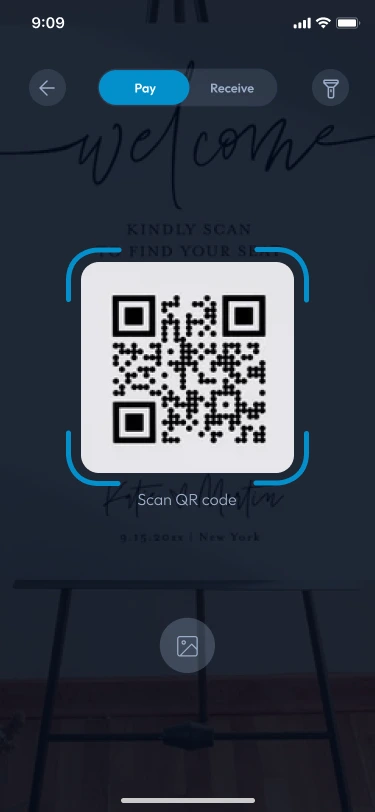
Put your Slick Shop code on the counter. Customers scan it with SlickPay and pay in a tap — no card machine, no change to count.
Scan to pay withSlickPayBoutique Amine · Blida
Simple for everyone
One code, two happy sides
For customers
Scan, check the amount, confirm with your PIN. Done.
- No cash needed
- A receipt for every purchase
For merchants
Print your code once and get paid straight into your wallet.
- No terminal to rent
- Instant confirmation
How it works
Pay in three seconds
- 1ScanOpen SlickPay and scan the code.
- 2ConfirmCheck the amount and enter your PIN.
- 3DoneBoth of you get a confirmation.
For shops
Your code, your wallet
Every payment lands in your SlickPay wallet instantly. Withdraw to your bank whenever you like.
- Download and print your code
- See every payment live
- Works with any SlickPay user
FAQQuestions?
Visit the help centerQuestions?
We’ve got answers.
Yes, QR payments are made from the SlickPay app.
