Pay with a tap.
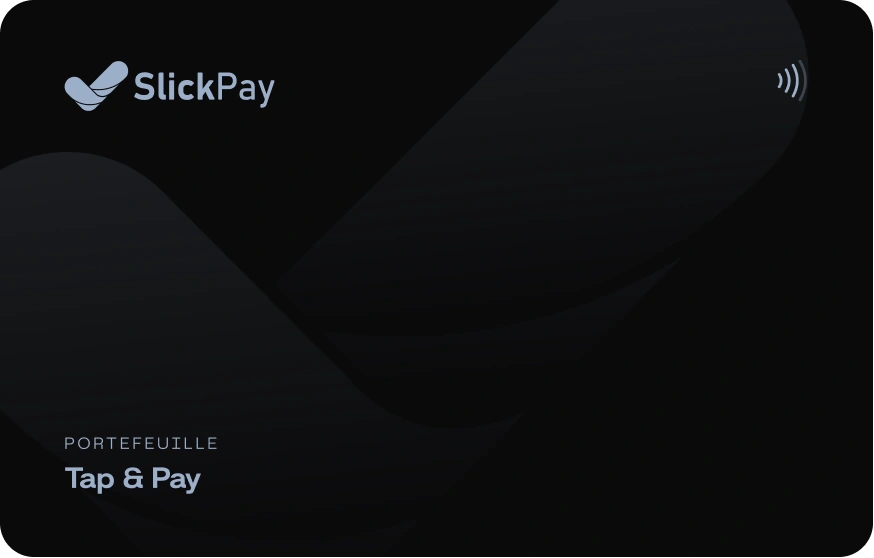
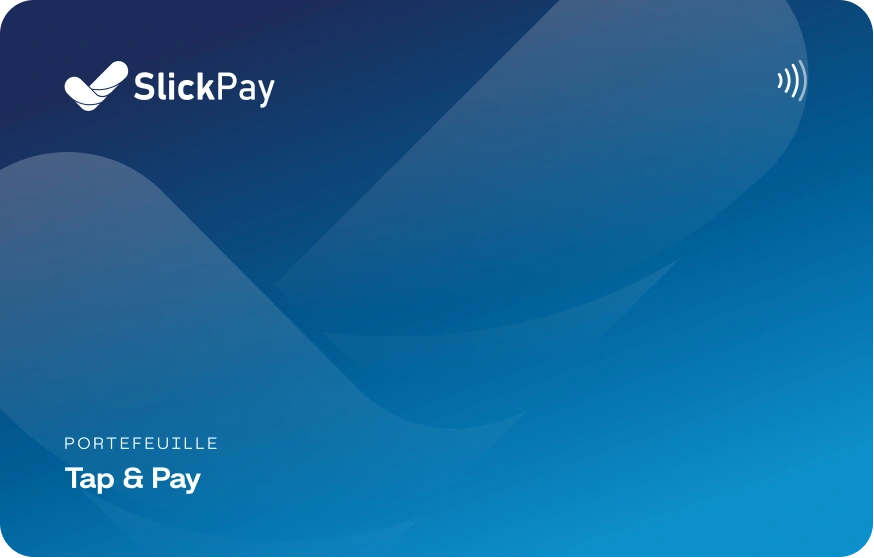
The SlickPay Tap & Pay card is linked to your wallet. Hold it — or your phone — near the seller’s device and the payment is done in a second.
Tap to pay.
Tap to get paid.
Tap & Pay card
A contactless card linked to your SlickPay wallet. Tap it on the seller’s device and you’re done.
- Black or blue finish
- Pays from your wallet balance
- Lock it in the app at any time
Accept contactless
Turn an Android phone into a card terminal with the SlickPay POS app. Customers tap a card or their phone.
- CIB, Edahabia and Algérie Poste cards
- SlickPay cards and phones
- No terminal to rent
Black or blue.
Always yours.
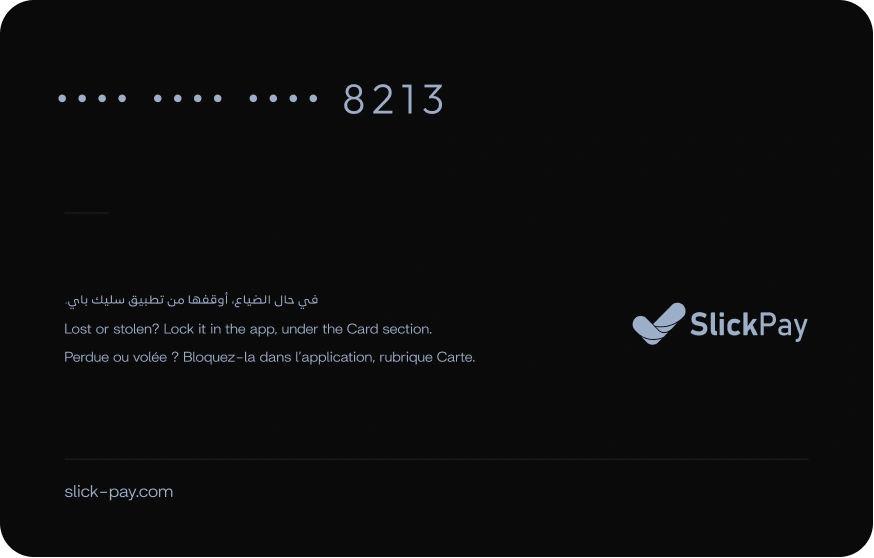
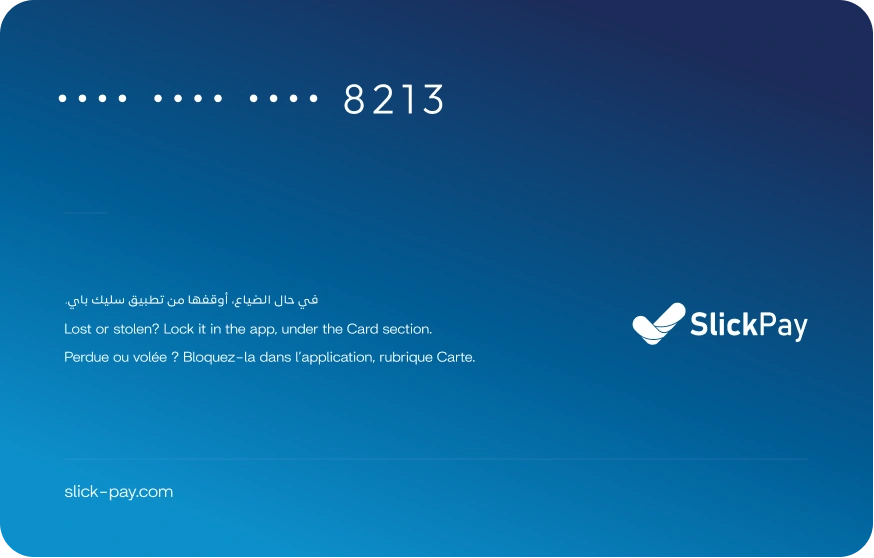
Two finishes, one wallet. The card carries no name — only the last 4 digits and a reminder to lock it in the app if it’s lost.
Pay in one tap
- 1TapHold your card or phone near the seller’s device for 1–2 seconds.
- 2Enter your PIN if askedAbove the contactless limit, type your card PIN on a secure keypad.
- 3DoneYou both get a receipt instantly.
Your phone is the terminal
With the SlickPay POS app, a certified Android phone reads contactless cards. Card numbers never reach your device — you only see the last 4 digits.
- Live on certified devices only
- Card PIN on a secure, shuffled keypad
- QR code and payment requests as backup
A card you stay in control of
Lock it in a tap
Lost or stolen? Lock your card in the SlickPay app, under Card.
Read by a certified module
Card numbers never reach the seller’s device in clear — they only see the last 4 digits.
PIN when it matters
Above the contactless limit, the card PIN is typed on a secure, shuffled keypad.
Questions?
We’ve got answers.
At shops that accept SlickPay contactless payments.

Tap. Paid.
Done.
Download SlickPay and open your account in about two minutes.